

Training



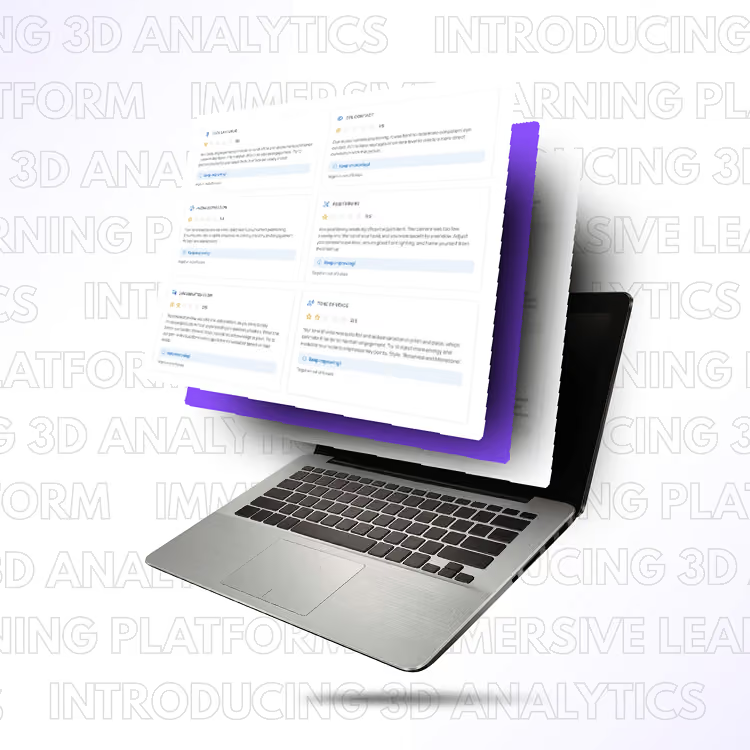

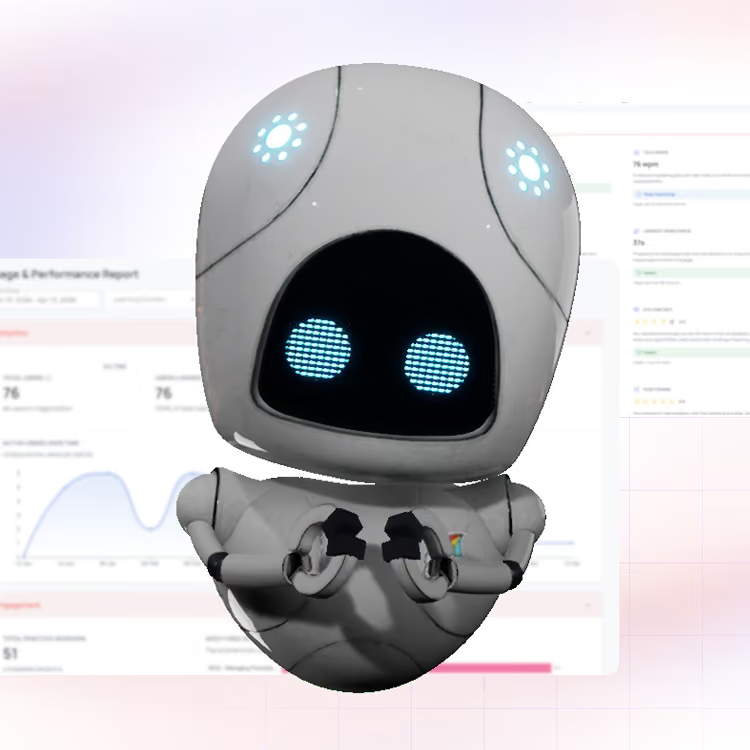



Gen3 leads our latest release. Here are eight more Immersive Training Platform updates, from sharper feedback to quizzes built from your own docs.

Last week we launched Gen3, our most lifelike digital humans yet. They react to what you're saying while you're still saying it, with ten times the expressive range of the previous generation, and our lowest ever latency. And it's live right now.
If you haven't seen Gen3 in action, you really have to see it for yourself. The video below does a better job than I can in writing.
Find out more in our Gen3 launch announcement.
Gen3 got the headlines, but it's not just realism we've been improving. These are the eight updates I think will make the biggest difference to how your teams build training, practice, and learn.
Feedback only helps if someone acts on it. A long page of scores and observations is easy to skim past, so we've changed how post-training reports open.
Every report now leads with The One Thing: a single, specific change the learner should make next time, backed by evidence from their own conversation. Learners walk away knowing exactly what to try on their next attempt.
Managers get a focused place to start, too. Instead of working through the whole report in a 1:1, they can open with the one change that matters most and the moment in the conversation that shows why.
Of course, learners still have access to unlimited AI coaching, which allows them to have in-depth feedback conversations and delve into their scores. But now they have The One Thing they can learn from in an instant too.
Your team is likely sitting on plenty of good material: product decks, policy documents, onboarding guides. Turning it into practice would usually mean writing every question by hand.
Now you can upload a TXT, PDF, Word, or PowerPoint file, and we'll draft a question bank from it. You review the questions, tweak anything that needs work, and save. That product training deck from last quarter can become a Q&A session your team practices live this week.
You stay in control of what gets asked, and your learners get to answer out loud, instead of ticking boxes in a quiz.

We're on a mission to create as many roleplay partners as possible, so your team has the biggest choice of personas to practice with. Since our last update, 13 new digital humans have joined the cast.
Ten of them are brand new and built for Gen3. You'll spot them by their 'Enhanced' tag, like Jamal below. That tag tells you the character has all the Gen3 upgrades: real-time reactions, a much bigger expressive range, and faster responses.
If your team already has a way of grading a conversation, you shouldn't have to rebuild it inside a new tool. When you include a rubric in your source material, Generate with AI now carries its evaluation criteria through word for word. Learners get scored against the standard your organization already uses.
Generate with AI also casts a roleplay partner to fit the scenario, so the character arrives ready to go and there's less to set up by hand. It's one more step toward building training in minutes, not months. If you'd like to see it with your own material, book a demo and we'll walk you through it.
See how scenario creation works. or watch the video below to see how quickly you can set one up.
Practice works best when it's open-ended, but an assessment needs some ground rules. You can now add a time limit of 1 to 120 minutes to endorsement scenarios, and cap the number of attempts on any scenario anywhere from 1 to 99.
Learners see a live countdown and how many attempts they have left, so nobody gets caught out. For leaders, everyone is assessed under the same conditions, which makes results fairer to compare and readiness easier to judge before someone faces a real customer. Explore Performance Analytics.
Your AI roleplay partners have had a voice upgrade. They can now sigh, hesitate, gasp, scoff, chuckle, and make hundreds of other small sounds people make in real conversations. The question is, will your learners pick up on these verbal tells and adjust their own behavior accordingly?
You can now switch the interface to English, German, Spanish, French, or Japanese from your user profile. If your browser is already set to one of those languages, we pick it up automatically, so new users see the platform in their own language from day one. For global teams, that's one less thing standing between your people and their ability to learn.
The roleplay and Q&A (see above) call screen is now accessible on mobile. So a rep with 10 minutes between meetings, or a manager who's rarely at a desk, can still fit in a practice session on the move.
Can you help Ben find his next car? The quickest way to see what's changed is to have a conversation. Our newest free simulation puts you on a car dealership forecourt with Ben, a customer who's just walked in.
Your job is to run discovery, build some trust, ask the right questions, and find out what Ben actually needs before you pitch him a single car. Think you could sell Ben a car? Take the challenge.
Or delve deeper into immersive learning.
If you'd like to explore or Immersive Training Platform a little more, I'd recommend starting a free trial. You'll have access to 12 pre-built roleplay scenarios, including sales, healthcare, customer service, job interview, and leadership scenarios.
Or, to get a personal tour of the entire platform, the best place to start is to book a demo.
Quick answers about Gen3 and this month’s Immersive Training Platform updates.

No. Gen3 is live for all Immersive Training Platform customers and users. Log in, pick any character with the Enhanced tag, and you’re practicing with Gen3.
You can upload TXT, PDF, Word, or PowerPoint files. We draft a question bank from the file, and you review and edit it before anything goes to learners.
Yes. Endorsement scenarios can have a time limit of 1 to 120 minutes, and any scenario can be capped at 1 to 99 attempts.
Yes. Gen3 characters are switched on in the free trial, so you can start practicing with them straight away. Start your free trial to try 12 pre-built roleplay scenarios across sales, customer service, leadership, healthcare, and job interviews.